Streamlining Win32 App Packaging: Introducing the Intune Application Package Utility
Streamlining Win32 App Packaging: Introducing the Intune Application Package Utility
As Modern Workplace Architects, we spend a significant portion of our time managing applications. While Microsoft Intune has revolutionized device management, the process of packaging, scripting, and uploading Win32 applications can still feel like a manual bottleneck.
Between generating reliable installation/uninstallation scripts and ensuring the IntuneWin package is correctly registered via the Graph API, there's a lot of room for error—and a lot of wasted time.
That’s why I’m excited to share a project I’ve been working on: the Intune Application Package Utility.
Why Build Another Packaging Tool?
The community already has some great tools like the IntuneWinAppUtil.exe, but I wanted something that brought the entire workflow into a single, cohesive interface. I needed a tool that didn't just package but also handled the scripting and the upload process in one go, all while providing a modern experience.
Key Features
- 🚀 Automated Scripting: No more writing
install.ps1ordetect.ps1from scratch. The utility uses smart templates to generate these scripts based on your installer. - 🛠️ Integrated Packaging: Seamlessly calls the IntuneWinAppUtil behind the scenes.
- ☁️ Direct MS Graph Upload: Built on the latest MS Graph SDK (v6), the tool handles the chunked upload to Azure storage and finalizes the app registration in your tenant.
- ✨ Modern User Experience: Built with JavaFX, featuring a clean dashboard and step-by-step wizard to guide you through the process.
Getting Started
Getting up and running is straightforward:
- Download: Grab the latest MSI installer from my GitHub Releases page.
- Azure Setup: You'll need an Azure App Registration with
DeviceManagementApps.ReadWrite.Allpermissions. - Run: Launch the app, enter your tenant details, and you're ready to start packaging.
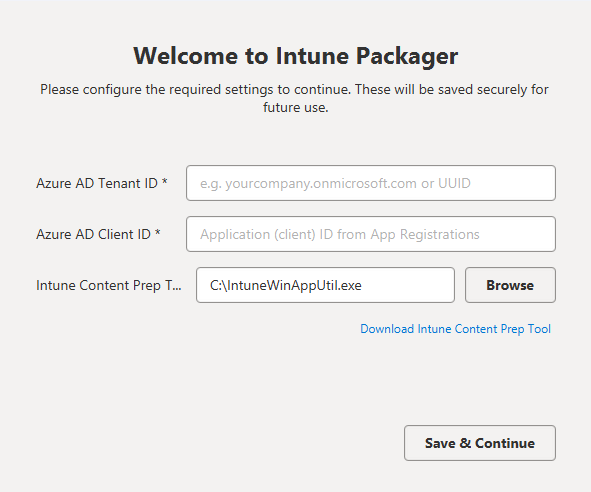 First Time Setup
Walkthrough: Your First Package
Once you're set up, creating a package is a 4-step process:
- Select Source: Drag and drop your installer (MSI/EXE).
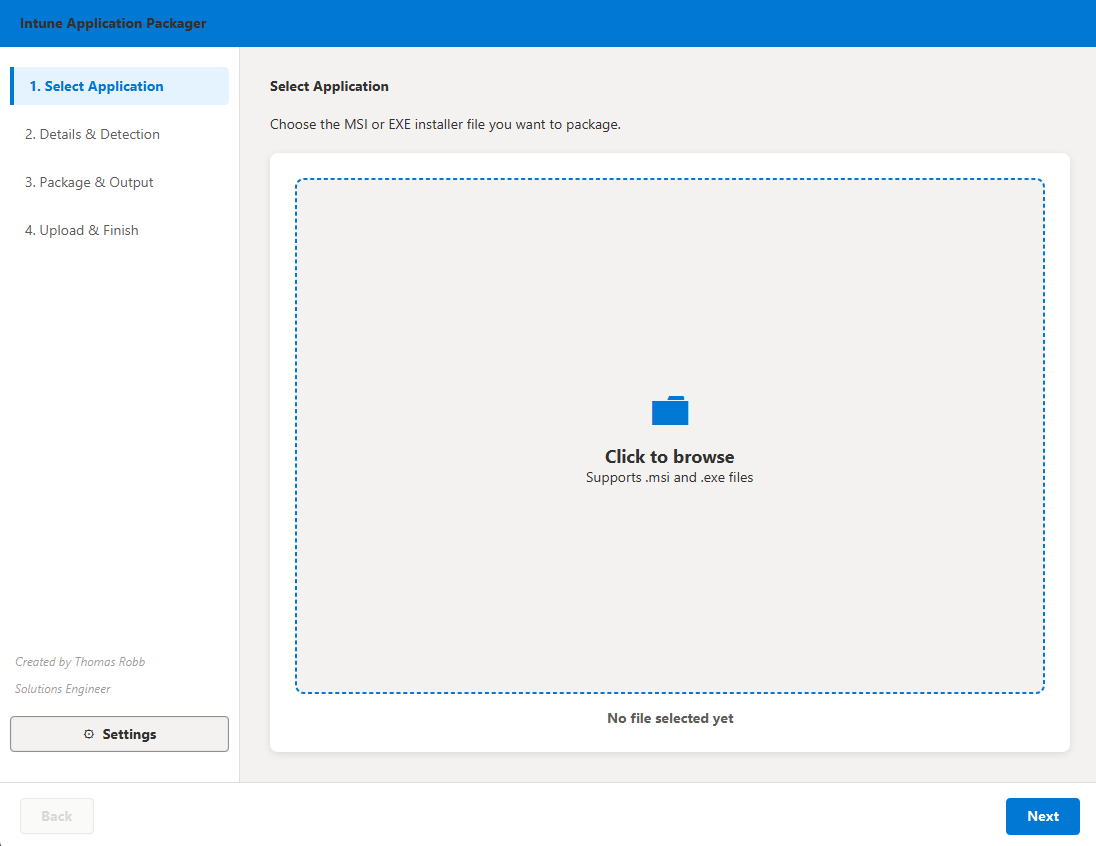 Upload Installer.png
- Configuration: Review the automatically generated install/uninstall commands.
 Defining Metadata
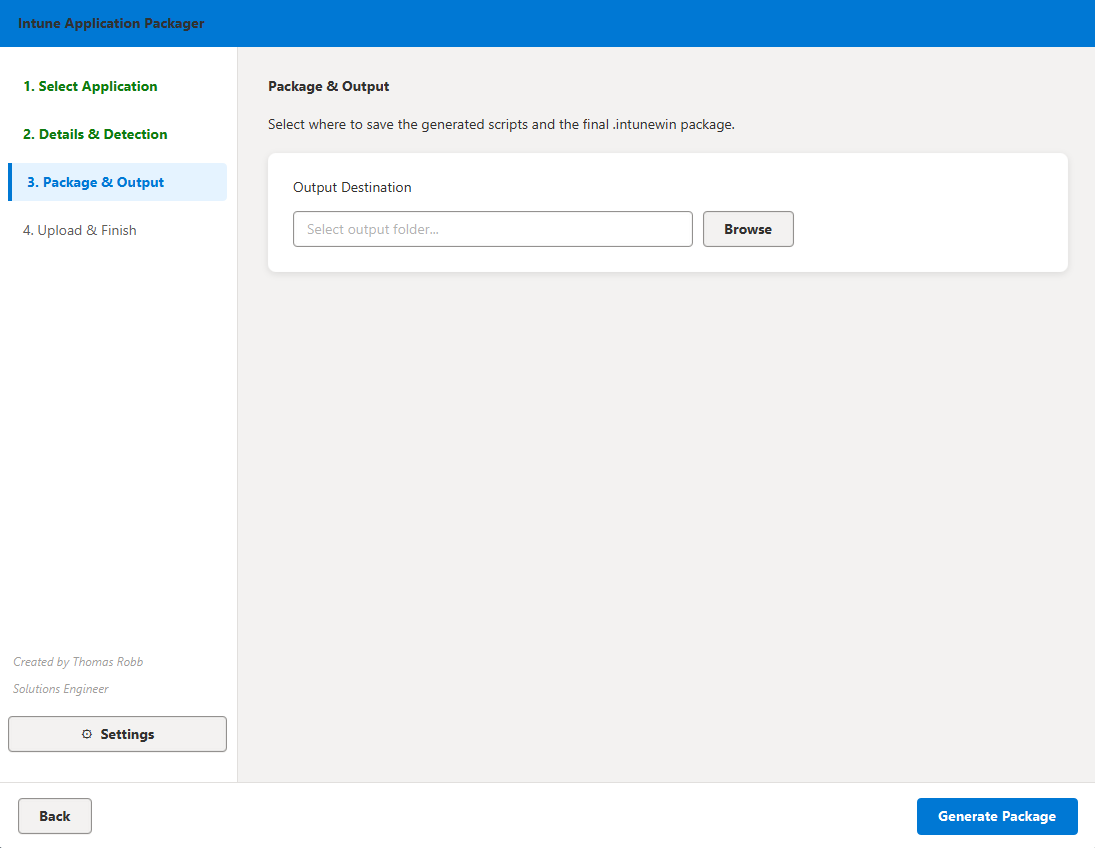
- Build: The tool will generate your
.intunewinpackage locally.
 Package Complete
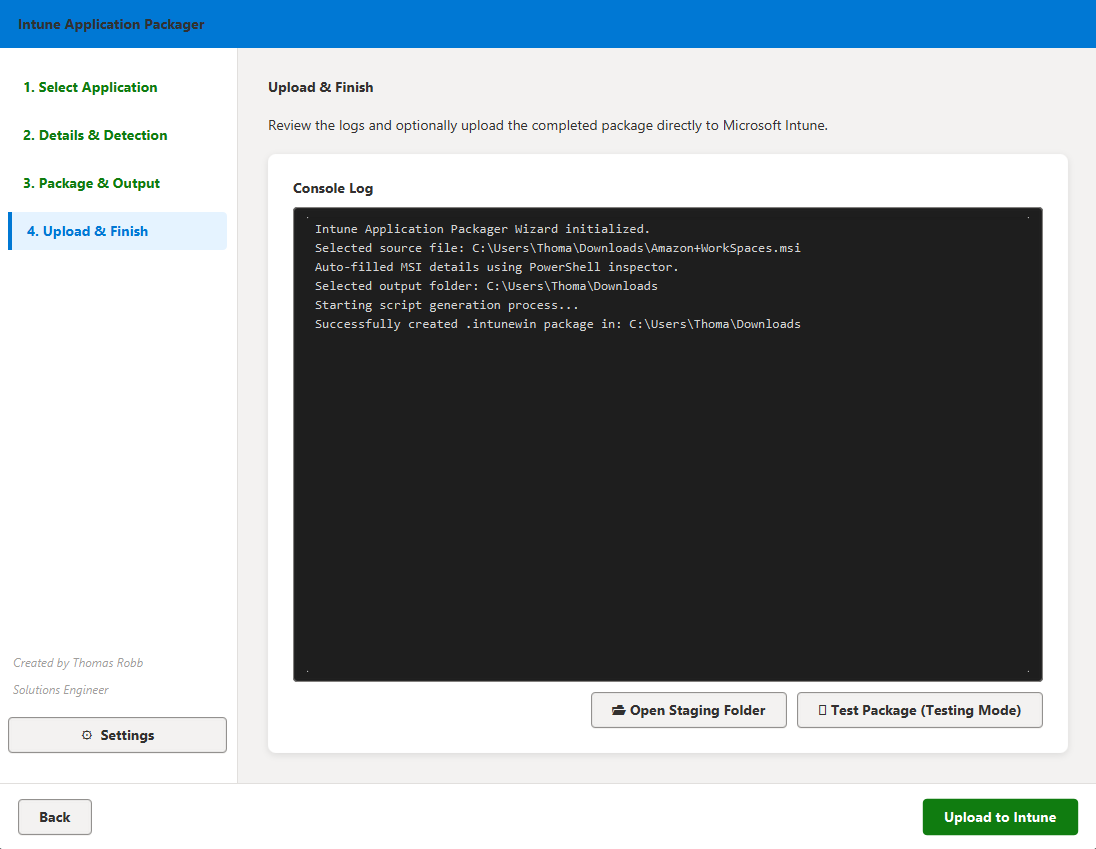
- Upload: Authenticate with Azure and upload directly to Intune.
Testing and Validation
Before deploying to production, use the built-in Testing Mode to verify your scripts locally.
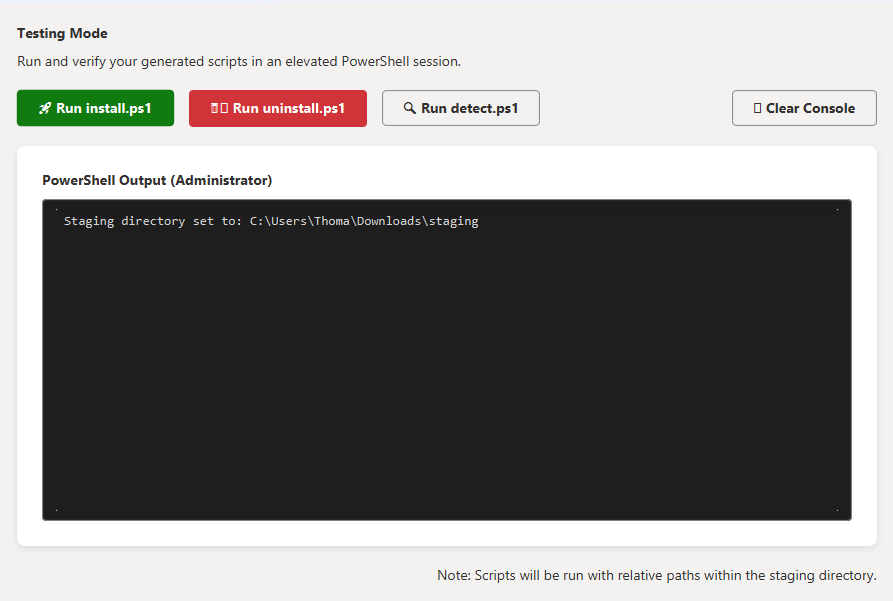 Testing Mode
Open Source and Community
This project is open-source because I believe in the power of community-driven tools. If you have ideas for improvements or find a bug, please feel free to contribute!
Explore the project on GitHub: Intune-Application-Package-Utility
I hope this utility saves you as much time as it does for me. Happy packaging!
Created by Thomas Robb - Solutions Engineer